
Now live on Google Play
DodoForm for Android. Verified data in your pocket.
The AI form builder and data extractor, now as a native Android app. Build forms by describing them, turn emails, PDFs and voice notes into structured fields, and clear your review queue from anywhere.
Free to start · 14-day Pro trial, no card · Same account as dodoform.com
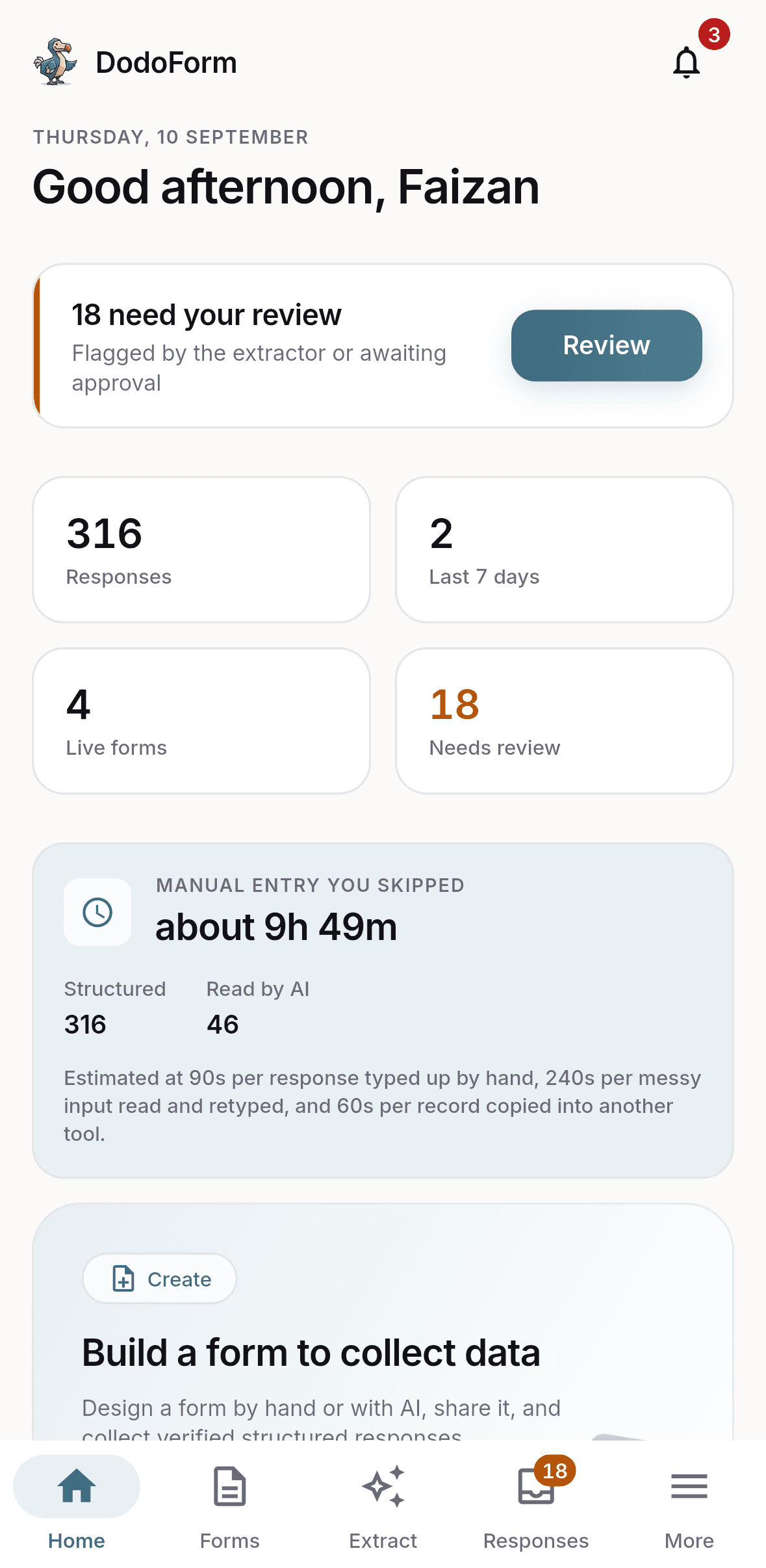
What the app does
Everything in the dashboard, built for a phone.
Build a form by describing it
Type what you need in plain English and DodoForm writes the form: 27 field types, conditional logic, multiple pages, required rules and validation. Edit any of it by hand.
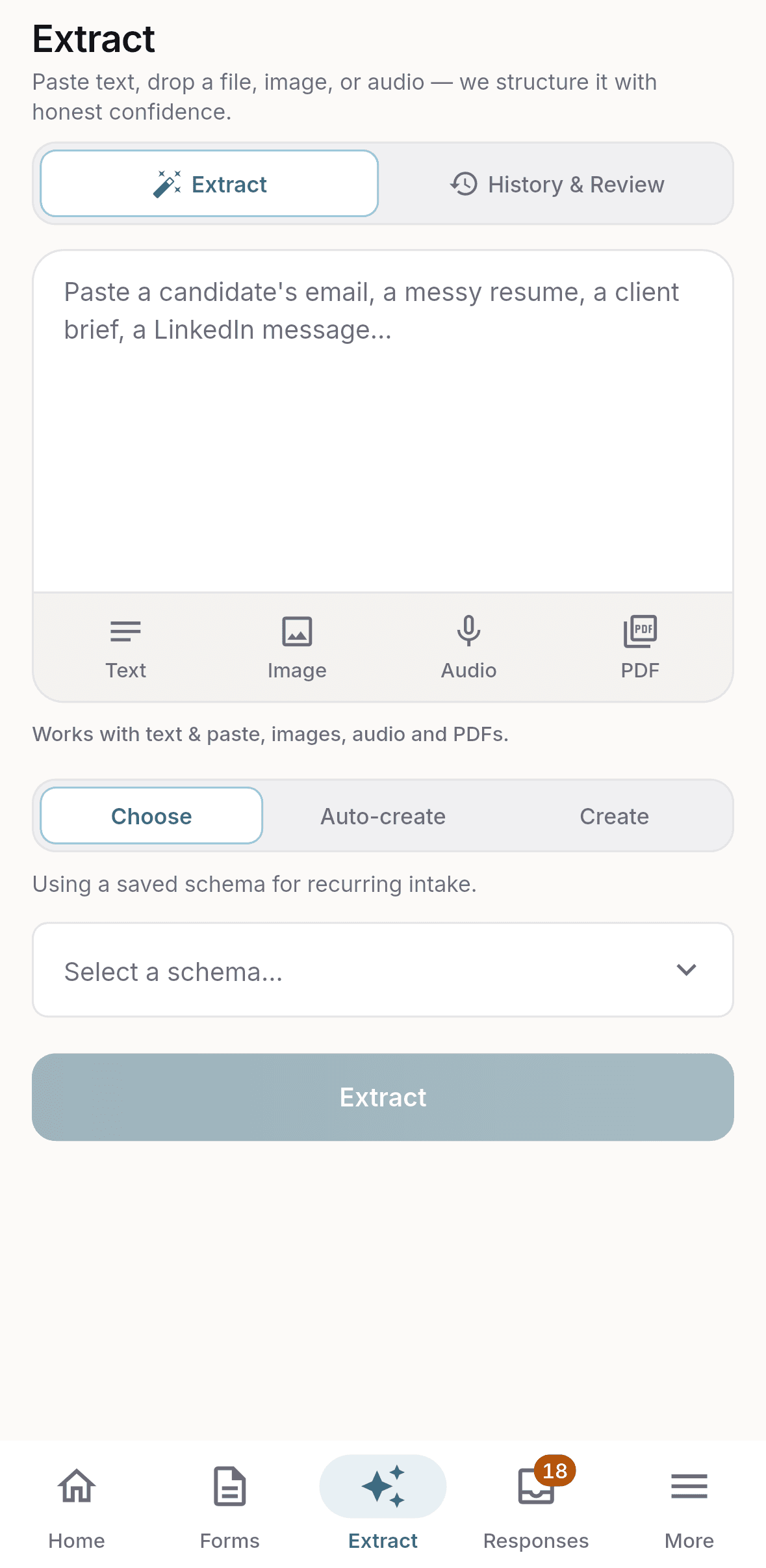
Turn messy input into fields
Paste an email, a brief or a pile of notes, or attach a PDF, image or audio file. The Extractor fills structured fields you can check before anything is saved.
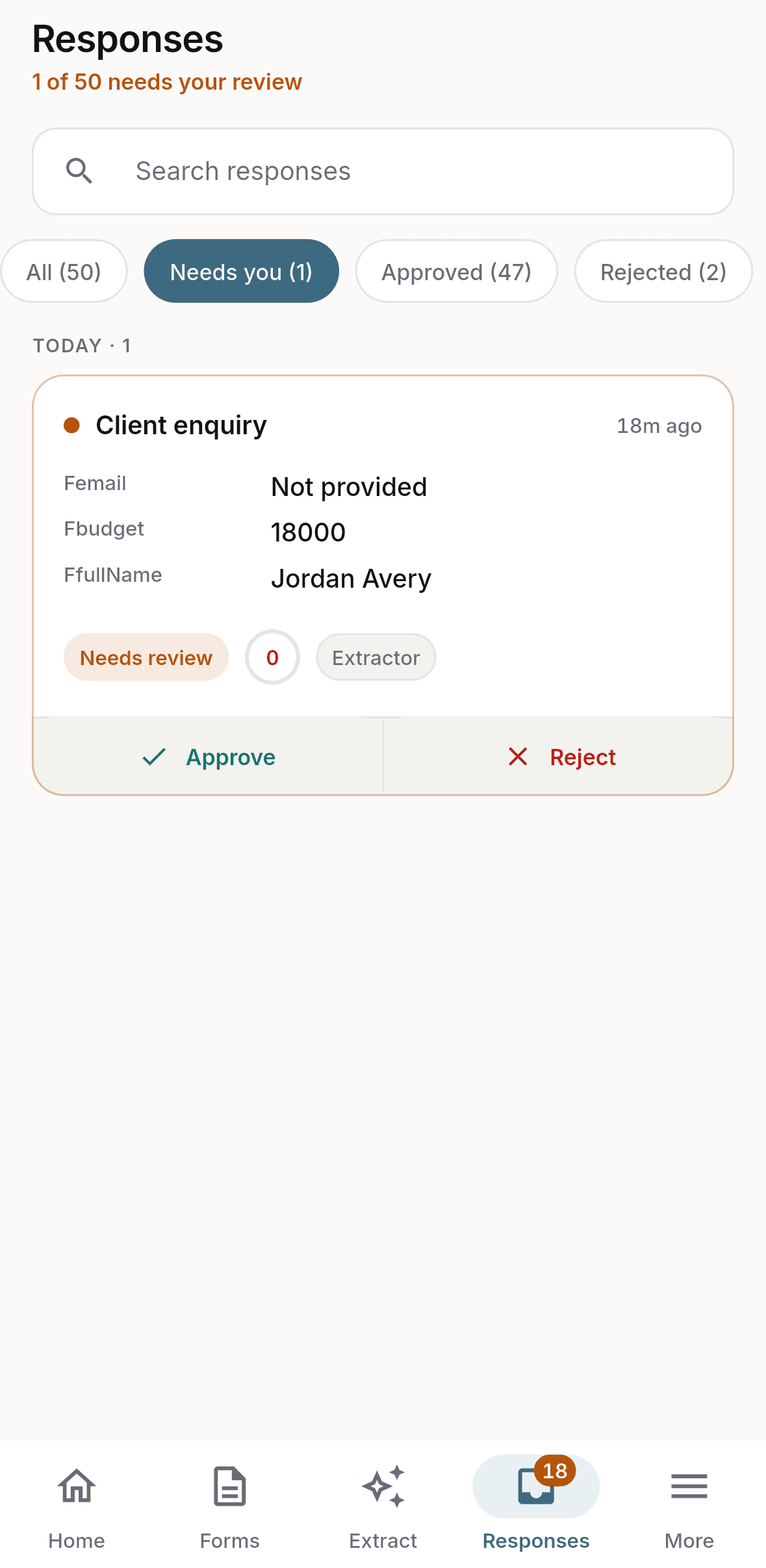
Confidence on every value
Each extracted value carries a confidence score. Anything the AI was unsure of lands in a review queue instead of quietly entering your records.
Review from your phone
Get a push notification when a response needs you, then approve, correct or reject it in a tap.
Design with a live preview
Colours, typeface, layout, corners, logo, banner and background, plus a custom thank-you message, all previewed as respondents will see them.
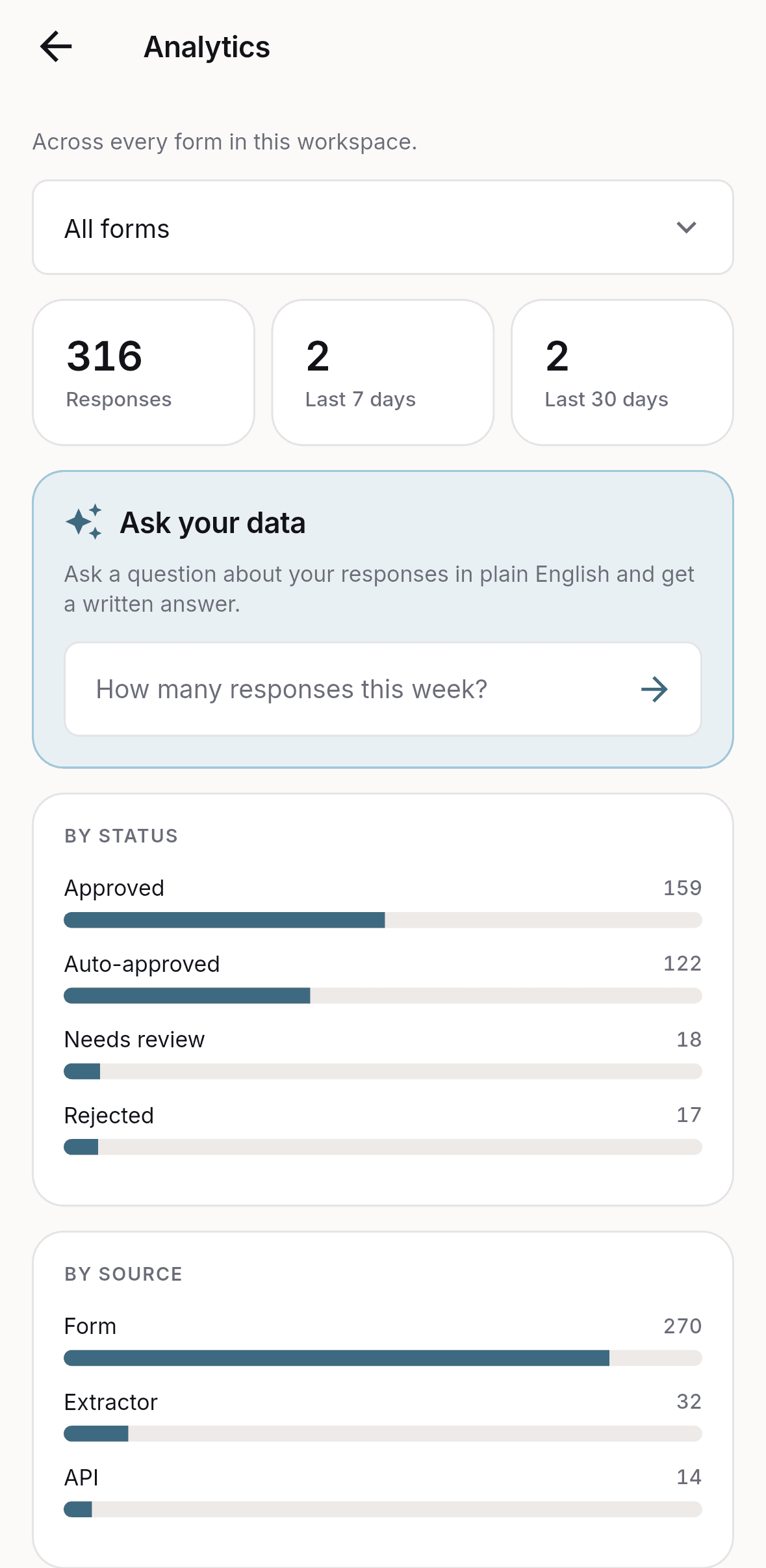
Ask your data questions
See response volume, completion and drop-off, or ask in plain English and get an answer about your own responses.
Share and route
Publish a public link or embed the form. Export to CSV or Excel, or send records onward with webhooks, connectors and the API.
One account, phone and web
The app and the dashboard at dodoform.com are the same account. Build on either, review on either.
Screens from the app
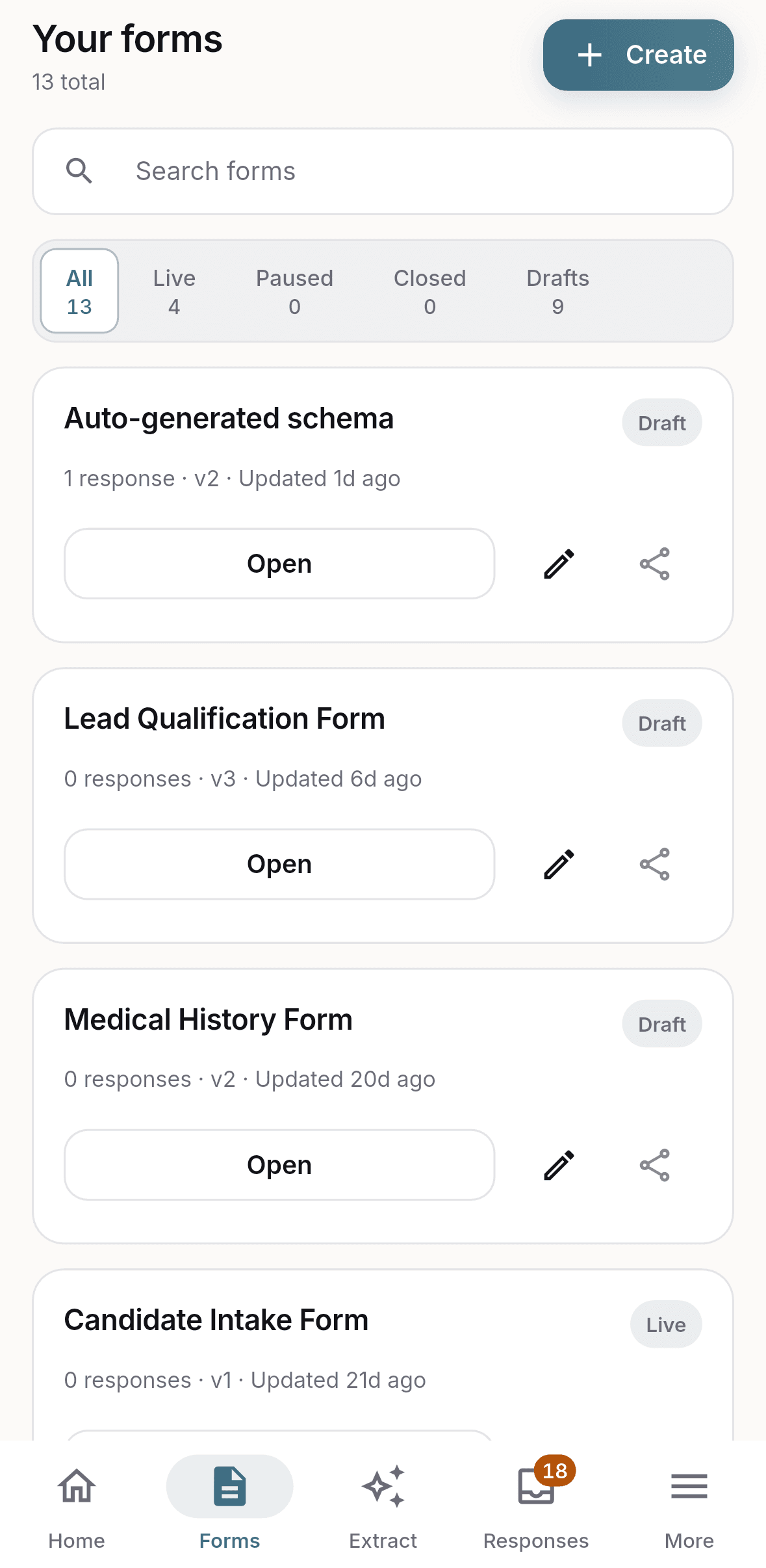
Android app FAQ
Is DodoForm available on Android?
Yes. DodoForm is on Google Play as "DodoForm: AI Forms & Extractor" (package com.dodoform.app). Install it from the Play Store and sign in with your existing DodoForm account or create a new one.
Is the DodoForm app free?
DodoForm is free to start. Pro, Max and Business unlock custom design, higher limits and team features, and new accounts get a 14-day Pro trial with no card required. Subscriptions bought in the app renew automatically and can be cancelled any time in Google Play.
Does the app use the same account as the website?
Yes. Forms, responses, extractors and your plan are shared between the Android app and the web dashboard at dodoform.com. Anything you build on one shows up on the other.
What can I do in the DodoForm Android app?
Build forms with AI, extract structured fields from emails, PDFs, images and audio, review and approve low-confidence values, design your form with a live preview, view analytics, and share or export responses.
Is there an iPhone app?
The native app is on Android today. On iPhone, iPad and desktop the full product runs in the browser at dodoform.com with the same account.
How do I delete my account or data from the app?
Open Settings in the app, or visit dodoform.com/delete-account. Deletion removes your account and its data across both the app and the web.
Read the launch post: DodoForm is now on Google Play.